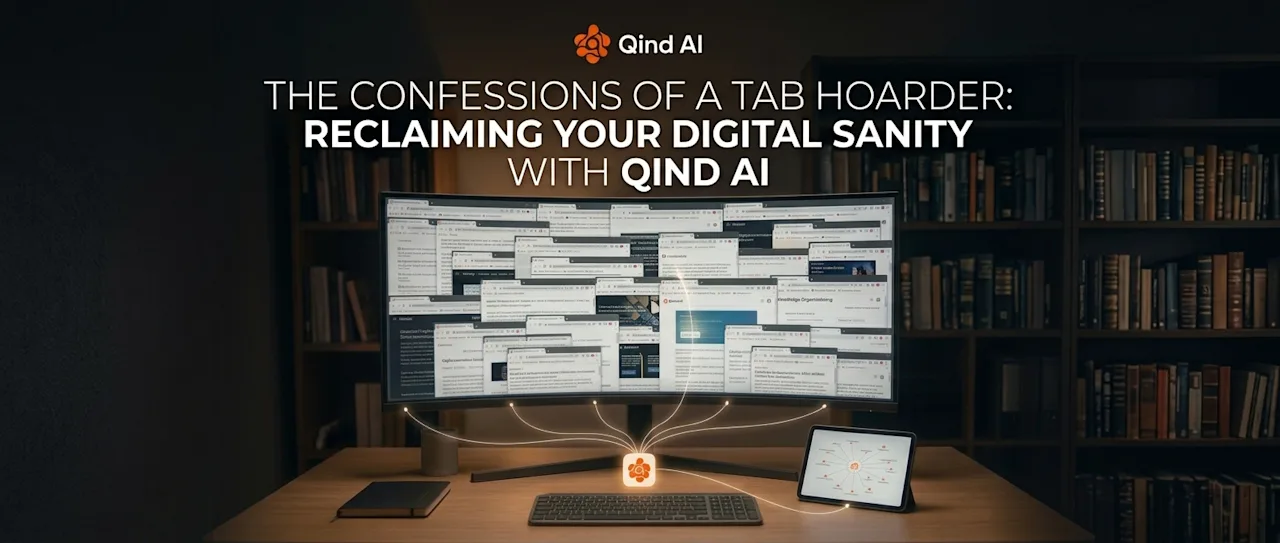
Look at the top of your browser right now. Be honest: How many tabs do you have open? 15? 30? So many that the favicons are squeezed into tiny, unidentifiable slivers?If you constantly catch yourself saying, "I'm going to read this later," or "I might need this link for tomorrow's project," you aren't alone. You are a Tab Hoarder.We keep browser tabs open not because we are actively using them, but because of a subtle digital fear: The fear of losing context. We treat our open tabs as a makeshift to-do list, a visual reminder, and a safety net all at once.The brutal truth? A browser with 50 open tabs is not a workflow—it’s an anxiety machine.
The Hidden Cost of Tab Hoarding
Keeping dozens of tabs open feels productive, but it actually drains your brainpower (and your computer’s RAM) in three distinct ways:
Context Switching Friction: Every time you switch between tabs to find that one article or document, your brain loses focus. You spend more time hunting for information than actually processing it.
The "Read Later" Illusion: Articles left open in tabs quickly become background noise. Within a day or two, they turn from valuable research into visual clutter that induces guilt.
The Crash Tragedy: We’ve all been there: your browser crashes, or your laptop restarts, and your carefully curated session vanishes into thin air.
Why Bookmarks and Folders Don't Solve the Problem
Let me guess: Every few months, when your computer starts wheezing under the weight of 80 open tabs, you copy all those URLs, paste them into a random Notepad file, and freeze them there like a digital time capsule—promising yourself you’ll unfreeze them in 100 years. :)When people try to break their tab hoarding habit, they usually turn to bookmarks, read-it-later apps, or text dumps. But these classic solutions fail for one simple reason: They become digital graveyards.Saving a link into a folder or a text file requires manual effort. And when you actually need that information weeks later, you have to remember the exact keywords or where you pasted it. If you can’t recall the specific phrase, that saved link is effectively lost forever.So we go right back to keeping tabs open—because at least we can see them.
The Modern Fix: Search by Meaning, Not by Memory
The solution to tab hoarding isn't forcing yourself to be more organized; it's changing how you retrieve information.Instead of keeping tabs open as visual reminders, modern AI-driven tools allow you to offload entire web pages, articles, and snippets into an intelligent repository. But here is the game-changer: You don't need to organize them.With context-aware search, you can close all 50 tabs with complete peace of mind. When you need that specific piece of research three weeks later, you don't need to remember the URL or exact title. You simply ask in natural language:
"What was that case study about remote team onboarding I saved last month?"
The system understands your intent, scans your saved knowledge, and brings the answer—and the source link—straight to you.
3 Steps to Finally Close Your Tabs Today
Do a Tab Purge: Take a deep breath and close every tab you haven't interacted with in the last 2 hours. If it's truly important, save it to your AI repository first.
Stop Using Tabs as To-Do Lists: If an article requires action, capture the key insight and close it. Don't let passive information occupy your active workspace.
Trust Your Retrieval System: The reason we hoard tabs is a lack of trust in search. Once you experience finding a saved document by simply describing what it was about, closing tabs becomes second nature.
Free Your Browser, Free Your Mind
Your web browser was designed for exploration, not long-term memory storage. By shifting from visual tab hoarding to intelligent AI retrieval, you can finally reclaim a clean desktop and focus on what actually matters.So go ahead—click that X and close those tabs. Your laptop's fan (and your brain) will thank you.