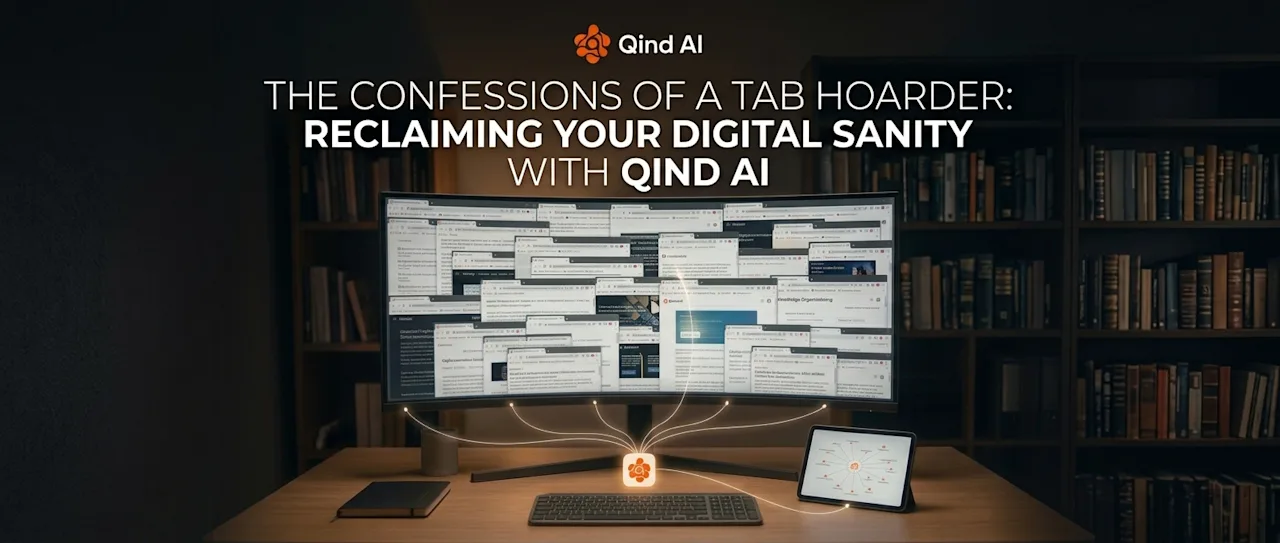
When we say "everything," a chaotic picture likely springs to mind: quick notes scattered across various platforms, articles lost among dozens of open browser tabs, and voice recordings, screenshots, and to-do lists forgotten within folders. It represents a massive digital fragmentation—material that belongs to us, yet remains impossible to consolidate. No one can deny that "everything," by its very nature, tends to signify a chaotic jumble that is difficult to manage and mentally exhausting.
Qind has made a move that fundamentally transforms this perception.
Now, "Everything" no longer represents unmanageable clutter; instead, it signifies an effortless order for your digital universe, centralized in one place.
The Mental Cost of Digital Fragmentation As we gather and create information throughout the day, we inevitably jump from one tool to another. We quickly jot down an idea that strikes us during a meeting, bookmark an article to read later, or take a screenshot of an inspiring image.
However, as information becomes fragmented across different platforms, the cost of accessing it rises. Whenever we search for something, we lose time and focus grappling with the question, "Where did I save that?" This is precisely where productivity faces its greatest enemy.
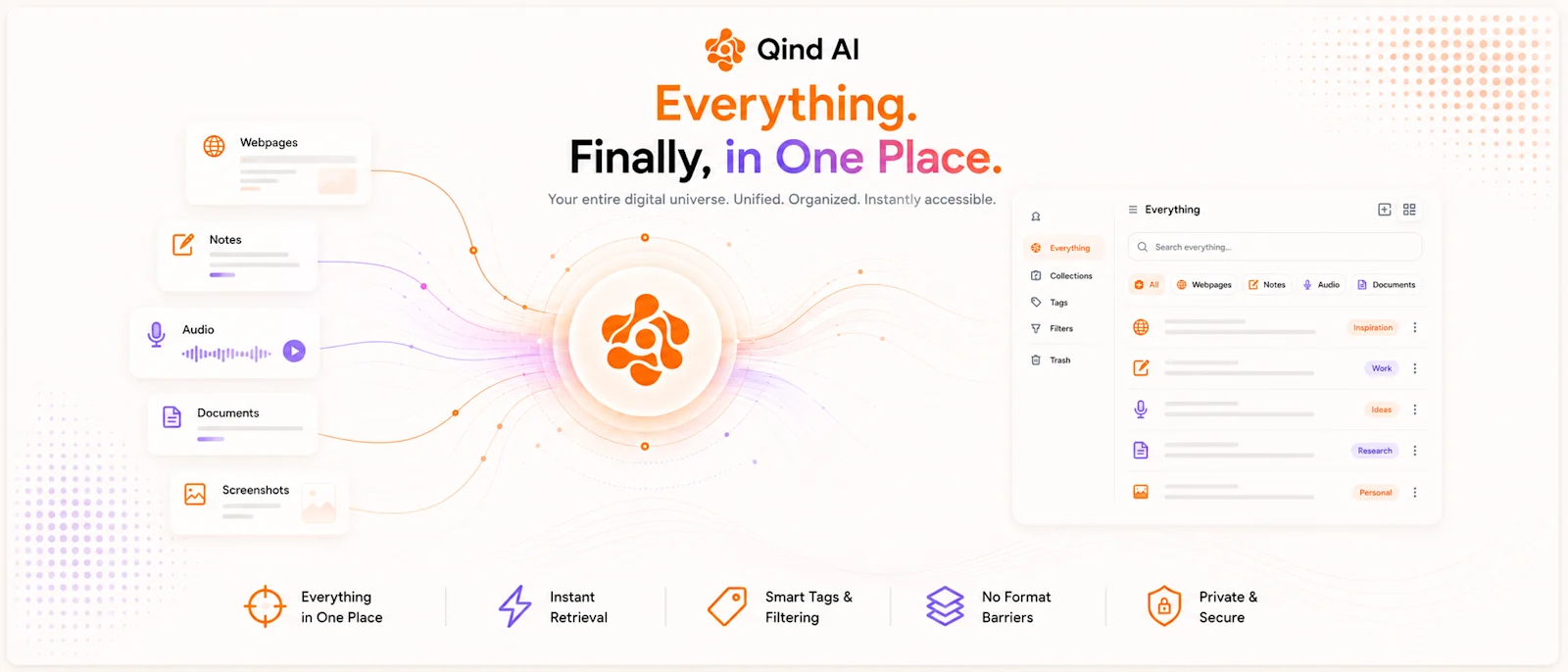
Why Do We Need an "Everything" Page? Qind’s "Everything" screen offers a single, secure space where information can flow freely, regardless of its format:
Removes Format Barriers: Whether it’s a webpage, a voice recording, a personal note, or a technical document—regardless of the format, all content takes its place within the same stream while retaining its unique identity. Smart Filtering and Instant Access: Thanks to collections, tags, and format-based quick filters (Webpages, Notes, Audio, Documents), you can access the specific data you need in seconds without getting lost among hundreds of items.
Eliminates Decision Fatigue: You no longer need to wonder, "Which folder should I put this in?" when saving content. Qind gathers all inputs into a central repository and presents them to you exactly when you need them.
From Clutter to Meaningful Insight A productivity tool shouldn't just store information; it should also reveal how that information connects and the role it plays in your life. Qind’s "Everything" view consolidates your digital footprint onto a single dashboard, completely freeing your mind from tedious search processes.
The result? "Everything" is no longer a source of confusing ambiguity; it becomes an organized personal library where you are fully in control and can find exactly what you’re looking for.