The Developer Bookmark Graveyard: Why You Keep Re-Solving the Same Problems
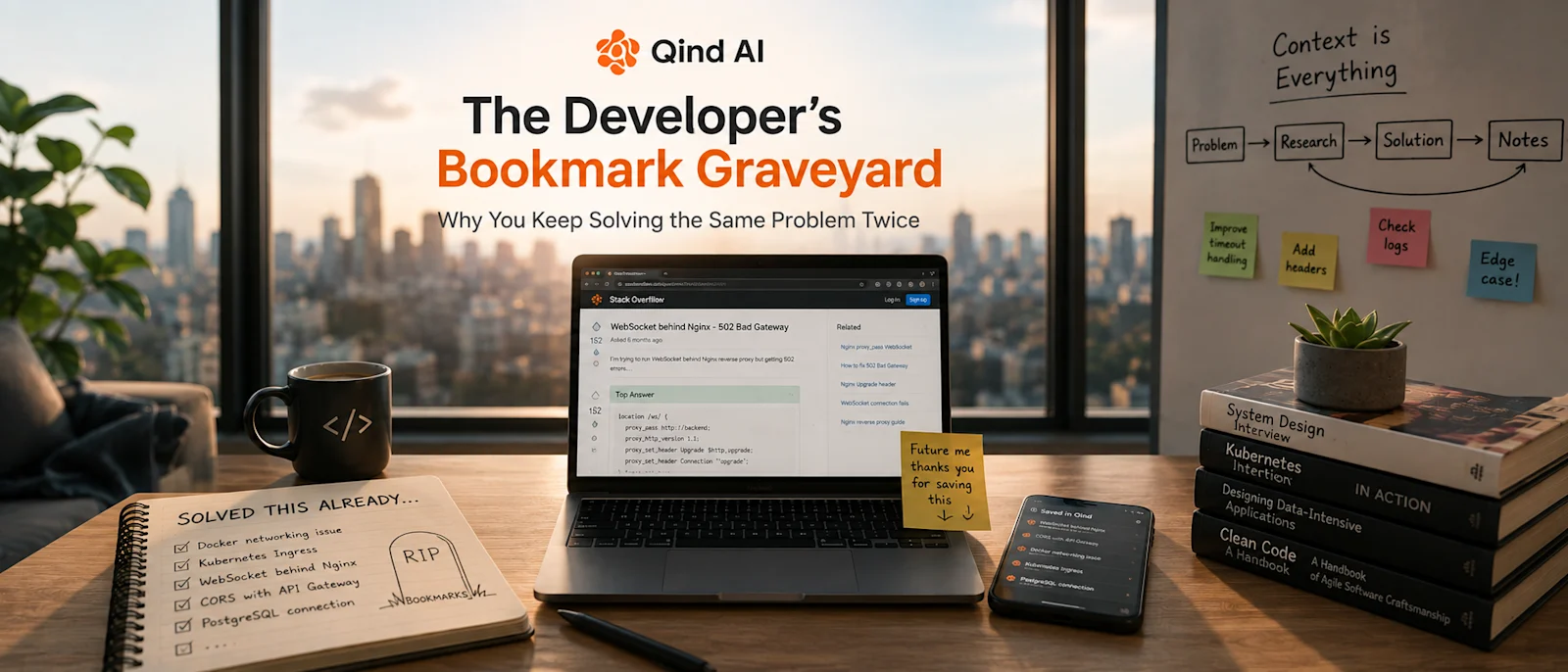
You know that feeling: you see an error you've definitely seen before. You remember fixing it, and you even remember reading something that solved it. But you have absolutely no idea where you found the solution. Was it Stack Overflow? A GitHub issue? An old blog post? A Slack conversation? Maybe you saved it somewhere.
So you search Google again. Twenty minutes later, you're reading the same Stack Overflow answers you read six months ago. You already solved this problem once—now you're solving it again.
Welcome to the Developer Bookmark Graveyard
Developers collect information constantly. A typical week might look something like this:
Bookmark a Stack Overflow answer about a weird Docker networking problem.
Save a GitHub issue explaining a library's unexpected behavior.
Keep an article about Kubernetes debugging.
Screenshot an error message and its solution.
Write a quick note about an Nginx configuration.
Save a documentation page about an API you might need later.
Send yourself a Slack message because "I'll definitely need this again."
And then you move on—until six months later, when the same problem comes back. You know you solved it before, but you just can't find the solution. That's the bookmark graveyard.
Qind's developer-focused workflow describes this exact problem: bookmarks accumulate, technical knowledge gets scattered, and developers end up re-searching for solutions they've already found. The frustrating part is that you haven't forgotten the technical knowledge completely—you've just forgotten where you put it.
The Problem Isn't a Lack of Information
Developers don't usually suffer from a lack of information. Quite the opposite: there is too much of it. Official documentation, Stack Overflow, GitHub, engineering blogs, Reddit, internal wikis, Slack, Jira, architecture documents, conference talks, YouTube videos... and every day, you add more.
The problem comes later when you need a very specific piece of information, but you can't remember the exact words used to describe it. You remember the idea—not the title, URL, folder, or exact keyword. For example: "There was something about WebSockets behind Nginx. I remember changing a couple of headers..."
Good luck finding that with traditional bookmark search. You might remember the solution perfectly while having no idea what the original article was called. That's the difference between remembering information and being able to retrieve it.
A Bookmark Saves a Link. Your Brain Saves the Context.
This is where traditional bookmarking starts to break down. Imagine you save an article called "Understanding Connection Upgrades in HTTP". Why did you save it? Maybe because it solved your WebSocket problem, explained an Nginx configuration, or helped you understand HTTP upgrade requests. Your bookmark doesn't know.
Three months later, you look at the title and think: "Why did I save this?" You have to open the article and read it again. The useful part wasn't necessarily the article itself—it was the reason you saved it. Maybe it was one paragraph, a configuration example, an explanation of why your implementation was failing, or an architecture decision. The URL is only the container; the context is the valuable part.
Qind's web clipper takes a different approach: it captures the content, generates a summary, adds tags, and makes saved material searchable by meaning rather than only by exact words.
The "I Know I've Seen This Somewhere" Problem
This is probably one of the most expensive sentences in software development: "I know I've seen this somewhere." Because now the search begins. You check your bookmarks (nothing), search Slack (too many results), search GitHub (different wording), and search Google (you find five articles that look familiar, open them, and none of them is the one).
Then you start debugging from scratch. The original solution might have taken five minutes to apply, but finding it again takes forty-five minutes. And if you never find it, you spend another hour rediscovering the solution yourself.
Nobody puts "re-searching for something I already knew" on the team's productivity report, but it still costs time.
Technical Knowledge Has a Short Memory
There is another problem with developer knowledge: it ages quickly. You might spend a day learning how something works in Kubernetes, Docker, PostgreSQL, React, Terraform, AWS, Azure, authentication, CI/CD, or API gateways. Six months later, you may not remember the details.
That's normal. You don't need to remember every configuration you've ever written; what matters is being able to recover the knowledge when you need it. Think about it this way: you don't need to memorize every solution—you need to make your past solutions findable. That is a much more realistic goal.
Your Debugging Sessions Are Knowledge
One of the most valuable sources of engineering knowledge is something developers rarely think of as documentation: the problems they've already solved.
Consider a debugging session: you encounter an error, investigate, read documentation, try three things that don't work, find a GitHub issue, read someone's explanation, change one configuration value, and everything starts working. You move on.
From the perspective of the project, that's just another bug that was fixed. But from your perspective, you've just created a useful piece of knowledge: "This error happens because of X. The solution is Y. Watch out for Z." Six months later, when the same error appears, the value of that knowledge becomes obvious. If you can retrieve it, you've turned a previous debugging session into a shortcut. If you can't, you're starting over.
Search by What You Remember, Not What It Was Called
This is where semantic search becomes particularly useful. Traditional search tends to ask "What words did you use?", whereas semantic search asks "What were you talking about?"
Imagine you saved a solution months ago. You don't remember the title, URL, or exact terminology. You just remember: "How did I fix that CORS problem between the frontend and API gateway?"
That's a much more natural way for a developer to search—you are describing the problem from memory, not reconstructing the title of a webpage. Qind's developer workflow is built around this type of retrieval: its library can search saved technical content by meaning, including code contexts, error messages, documentation, and technical concepts. The goal isn't better bookmarking; the goal is better retrieval.
From Bookmark Collection to Engineering Memory
There is a subtle but important difference between collecting technical resources and building an engineering memory. A collection says "Here are some things I found interesting", while an engineering memory says "Here are the things I've learned that I might need again."
That changes what you save:
A useful Kubernetes configuration? Save it.
A particularly good explanation of an obscure API behavior? Save it.
A GitHub issue that explains a nasty production bug? Save it.
An architecture decision that took your team three meetings to reach? Definitely save it.
A solution that took you two hours to discover? Absolutely.
Because future-you may not want to spend those two hours again.
The Context Around the Solution Matters
There is another reason simply saving links isn't enough: technical solutions rarely exist in isolation. Consider this: "Increase the timeout to 120 seconds." That's a solution, but why? Was the API slow? Was there a long-running background process? Was it a temporary workaround? Was the service communicating with another system? Was the timeout changed because of a known infrastructure limitation?
Without the surrounding context, the configuration isn't particularly useful. With the context, it becomes knowledge. This is why saving code snippets, documentation, error messages, and the explanation behind them can be more valuable than simply saving a URL.
Qind supports saving technical pages, GitHub issues, Stack Overflow content, documentation, code snippets, and architecture material, while AI extracts summaries and organizes the saved content for later retrieval.
Ask Your Past Self
Imagine that six months from now you run into an old problem. Instead of thinking "Where the hell did I save that?", you ask:
"How did I fix that CORS issue with the API gateway?"
"What was the Nginx configuration we used for WebSocket proxying?"
"Why did we choose this Kubernetes configuration?"
"What was the solution to that PostgreSQL connection problem?"
That's a much better relationship with your own accumulated knowledge. You aren't asking an AI to magically know your entire engineering history—you're asking it to help you retrieve something you already decided was worth keeping. The knowledge is still yours; the tool simply makes it easier to get back to it.
Your Past Problems Can Become Future Shortcuts
Every developer accumulates experience, but experience only compounds when you can reuse it. Otherwise, you keep paying for the same lesson: you solve the Docker problem, then solve it again; investigate the authentication issue, then investigate something similar six months later; figure out the Kubernetes configuration, then spend an afternoon trying to remember why you configured it that way.
The more experienced you become, the more frustrating this gets because your past self has already done the work—you just can't access it. A searchable engineering knowledge base changes that dynamic. Every useful solution you save becomes a potential shortcut for the next problem, and over time, those shortcuts accumulate. Your knowledge starts compounding instead of disappearing.
Stop Re-Solving Problems You've Already Solved
Developers don't need another place to dump links, another folder hierarchy to maintain, or to remember the exact title of an article saved eight months ago. They need a way to capture useful technical knowledge when they encounter it and retrieve it when the problem comes back.
That's the idea behind tools like Qind: save the documentation, keep the GitHub issue, capture the useful Stack Overflow answer, save the debugging note, and keep the architecture decision. Then, when you need it again, search by what you actually remember.
Qind is designed around this workflow: capture technical content, let AI summarize and organize it, and retrieve it later through natural-language or semantic search. Because the best solution to a problem you've already solved isn't necessarily solving it again—it's remembering where the solution lives.
Maybe the real goal isn't to remember everything you learn; it's to make sure future-you can find it.